Caller ID for iPhone

See who is calling.
Block who should not.

Live caller ID, spam alerts, reverse number lookup, and automatic blocking for every call your iPhone receives.

Coming soon on the App Store
See how it works
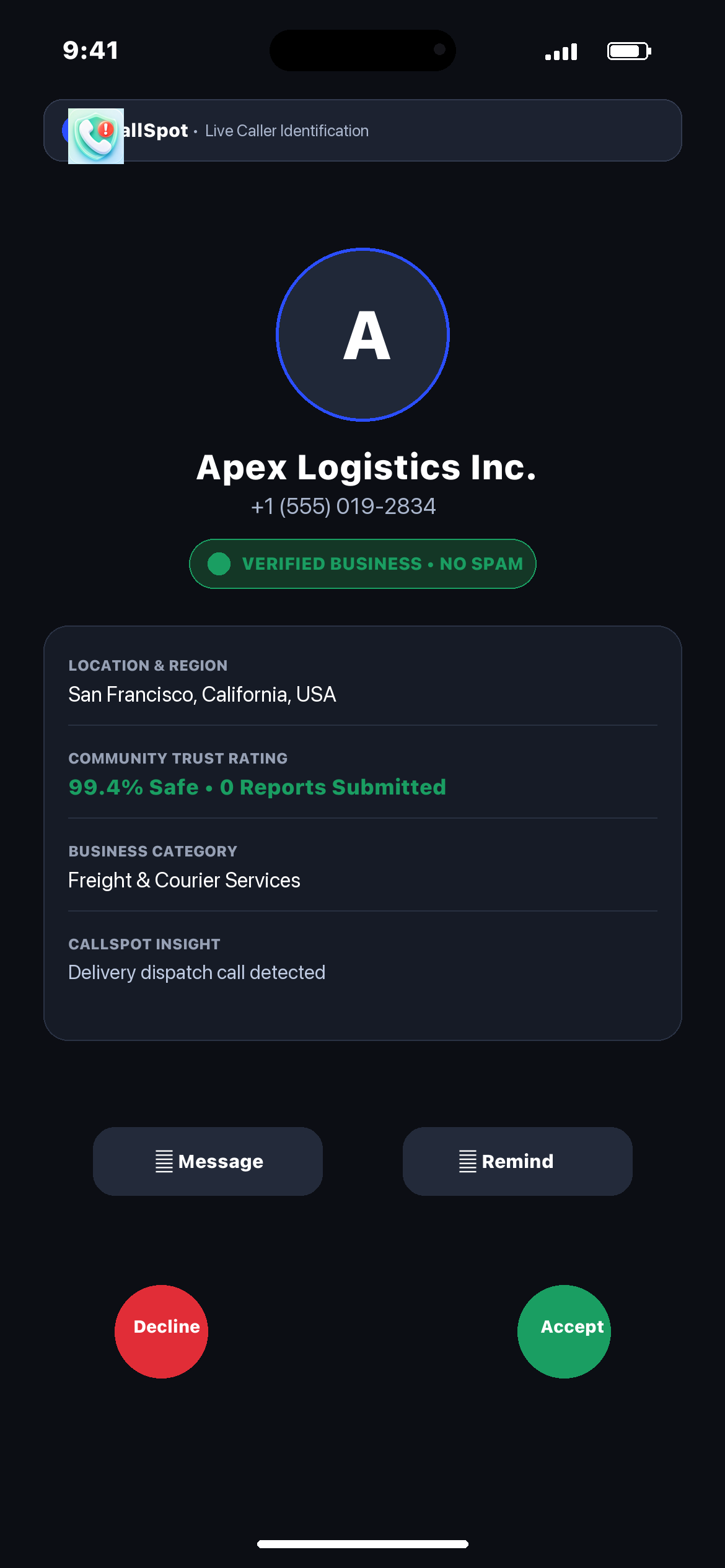
CallSpot incoming caller ID screen on iPhone

Designed for clarity on every incoming call

CallSpot brings smart intelligence, active protection, and complete control directly to your phone.

Live caller ID

Instantly recognize incoming callers directly on your call screen using available caller records.

Live caller ID screenshot

Alerts for unknown calls

Get early alerts for unfamiliar or suspicious callers before deciding whether to answer.

Reverse number lookup

Search any number to uncover caller details, region information, and current spam status.

Spam detection and reporting

See reported spam activity and submit reports for suspicious calls to keep the community protected.

Automatic & manual blocking

Enable automatic spam blocking or curate your own manual block list anytime.

Search history

Your recent number lookups are stored locally for quick access whenever you need them.

Check caller details with full context

Every phone number profile offers instant tools to take quick action right from your screen.

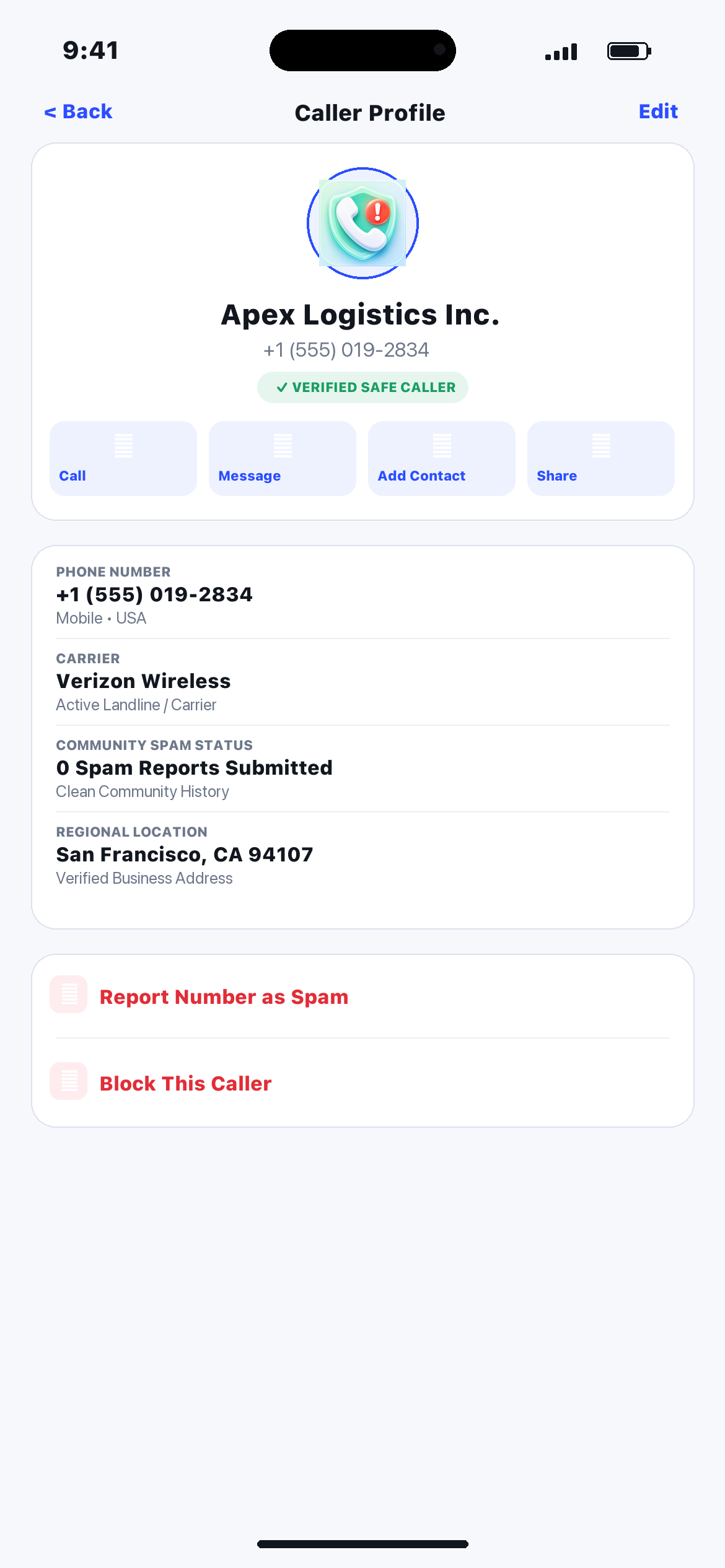
View caller information

Access available name, carrier, and regional location records.

Call or message the number

Initiate a direct call or text with a single tap.

Add to your contacts

Save recognized numbers straight to your iOS Address Book.

CallSpot caller profile screen

Copy or share details

Share caller profiles safely with family or colleagues.

Report as spam

Flag suspicious numbers to protect yourself and others.

Block the caller

Prevent nuisance callers from reaching your phone again.

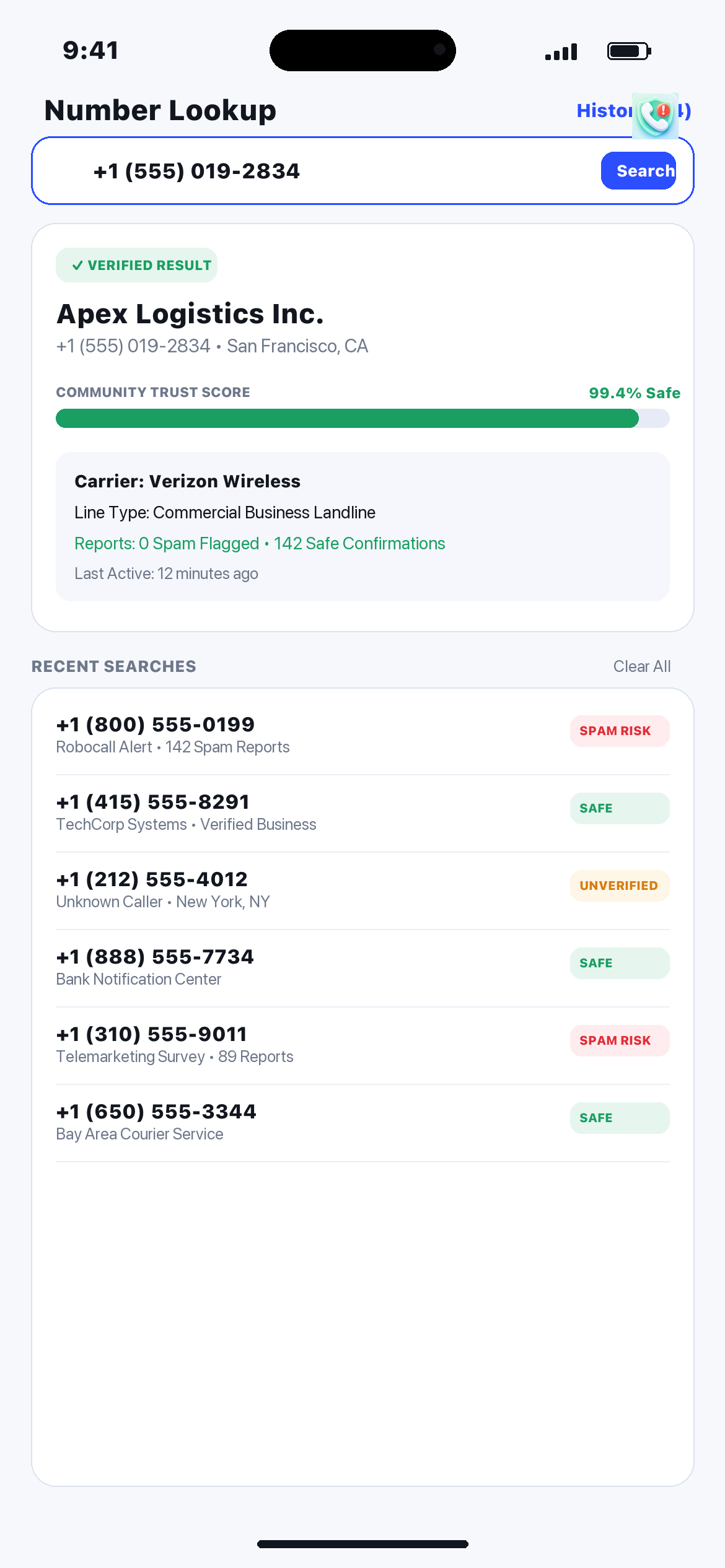
CallSpot reverse phone number lookup screen

Instant reverse phone number lookup

Unfamiliar missed call? Simply enter any phone number to uncover available caller details, including carrier, regional location, and community reports.

Caller Name Apex Logistics Inc.
Region & Status San Francisco, CA • Clean Record
  • Search any number before returning missed calls
  • Locally saved search history for instant re-access

Community spam detection with clear status indicators

CallSpot presents real-time spam status ratings on incoming calls and search results, powered by verified reports.

No Reports

Safe & Verified

Standard caller with zero spam reports or recognized contact history.

Unknown Number

Unverified Caller

Unfamiliar caller without recent records. Proceed with normal awareness.

Reported as Spam

Spam Warning

Multiple community reports detected. Telemarketer or nuisance caller alert.

Accidental report? If you accidentally mark a legitimate caller as spam, you maintain full control to modify or remove your submitted report at any time.
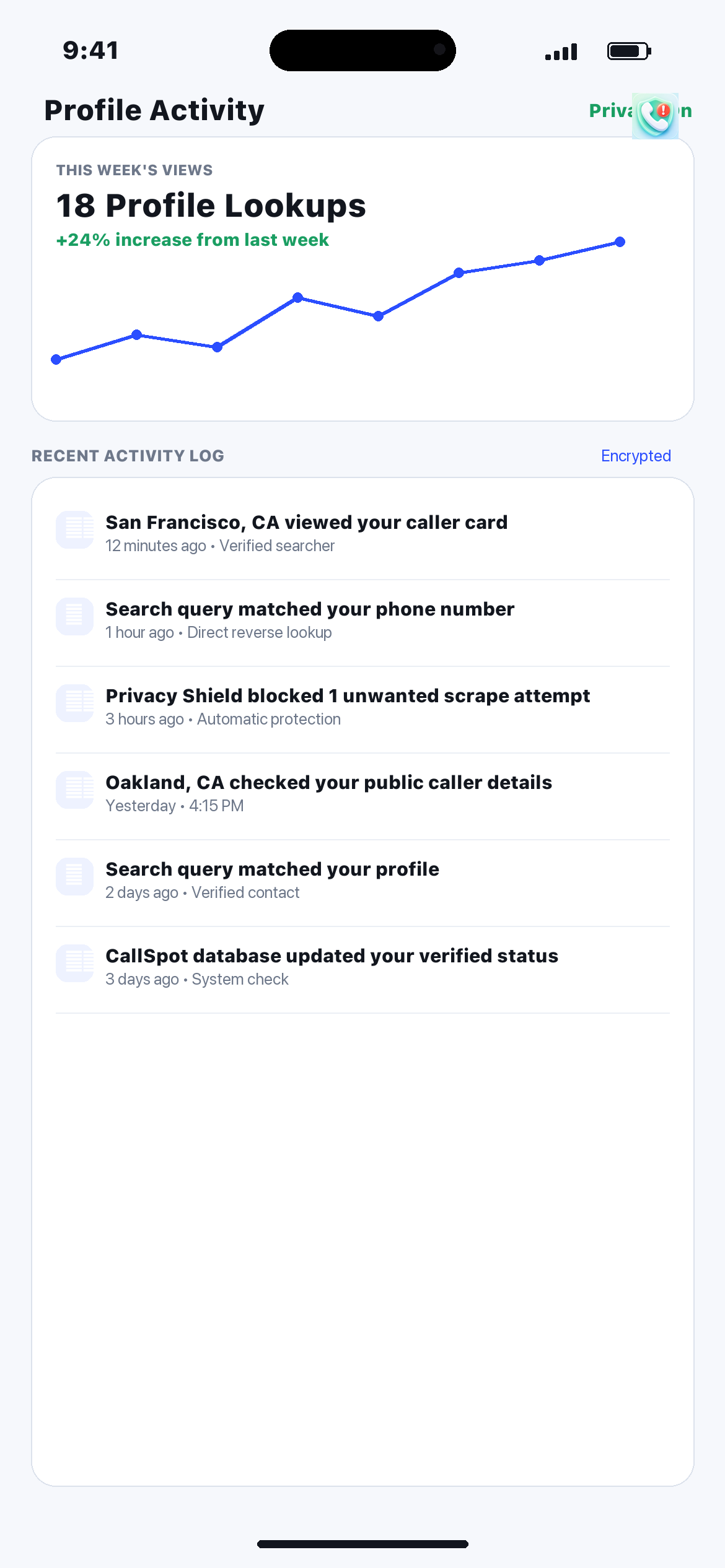
Caller Profile Activity

Stay aware when others interact with your profile

Track profile activity and know when people search or view your caller information details. CallSpot keeps you informed with transparent profile insights.

Real-time activity logs
Private & encrypted logs
Profile views screen

Privacy-first design & transparent standards

Your call privacy and personal contact security are engineered directly into CallSpot's architecture.

On your iPhone

  • Block lists are stored locally on your device
  • Search history remains private to your app
  • Alert preferences are fully managed on your phone

Under your control

  • Contact permission access is completely optional
  • Easily remove or edit your submitted spam reports
  • Manage blocked numbers anytime with total authority

Legal Disclaimer

Caller information and spam status may be based on available records and user-submitted reports. CallSpot cannot guarantee that all caller details are complete, current, or accurate. The app should not be used as the sole basis for identifying a person or determining whether a call is safe.

Read our complete Privacy Policy
Frequently Asked Questions

Everything you need to know about CallSpot

Does CallSpot work with the iOS Call Directory?

Yes. CallSpot integrates directly with Apple's native CallKit and Call Directory frameworks to provide real-time caller identification and spam detection directly on your incoming iOS call screen.

Do I have to give CallSpot access to my contacts?

No, contact access is entirely optional. Allowing access enables you to search your address book by name or number and quickly start calls or messages, but core caller ID and reverse lookups function independently.

What happens to a blocked call?

When an incoming number matches your block list or automatic spam protection rules, iOS silences or sends the call directly to voicemail according to your iPhone Call Blocking & Identification settings.

Can I remove a spam report I submitted by mistake?

Yes. If you mark a legitimate contact or business as spam by mistake, you can open their caller profile in CallSpot and tap to remove your submitted report at any time.

Is CallSpot free to download?

CallSpot is free to download on the App Store with essential caller identification, spam alerts, and number lookup capabilities included.